
Opera
Opera is a free web browser for Windows from Opera Software. The stable release is 136.0.6008.22, published on 17 September 2026.
133.1 MB

AdsPower is a Windows browser for running many separate browser profiles side by side. Version 8.7.23 is a free download.
Average 0.0 · ratings: 0
Thank you! Your rating is saved; you can change it. Could not save the rating. Please try again later. Too many ratings from your network today. Please try again tomorrow. The average appears after 5 ratings.
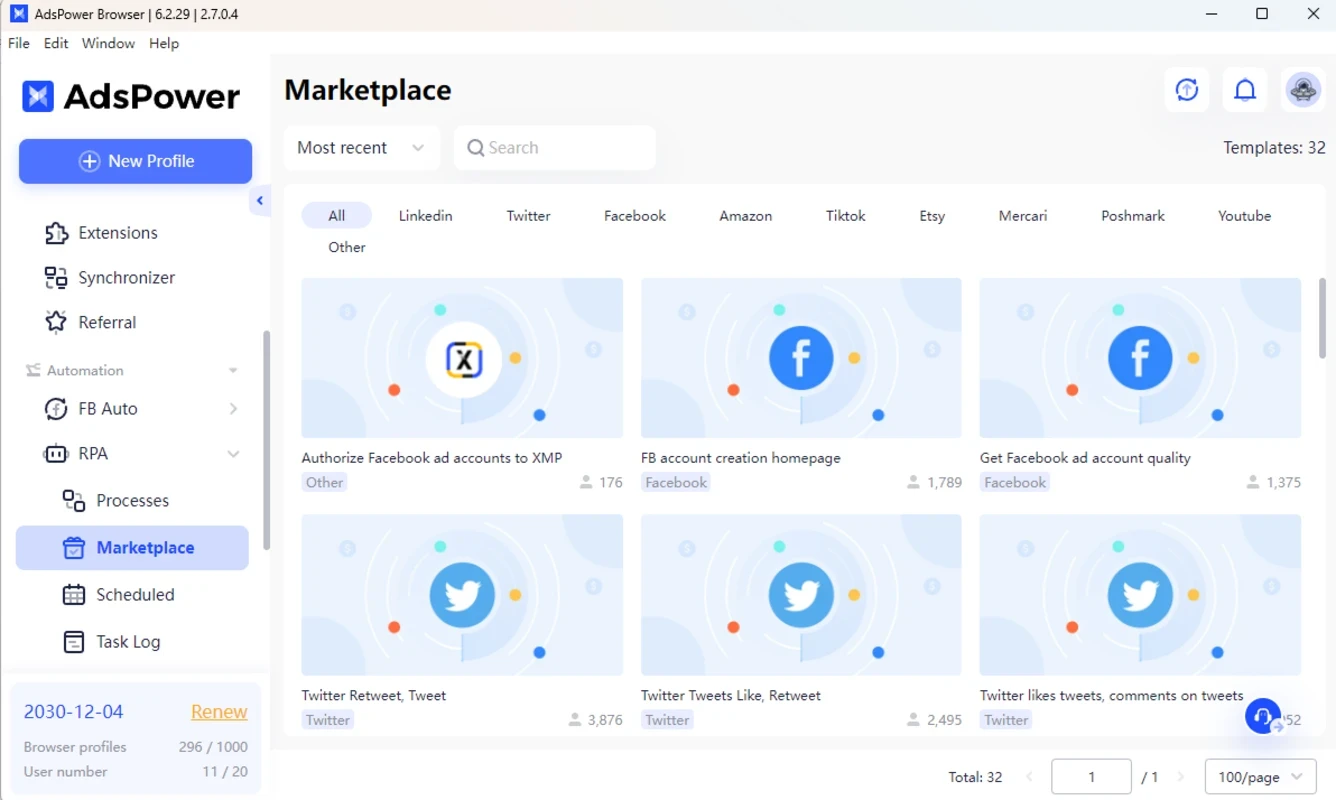
AdsPower 8.7.23 is the current Windows release of the AdsPower browser, a free program for running many isolated browser profiles on one computer. According to catalogue data, the installer is about 329.27 MB, and this version is dated 4 September 2026.
You download AdsPower for Windows when one browser with one set of cookies is not enough, for example when a team manages several ad or shop accounts and each needs its own clean environment.
| Windows | Windows 10 and later, 64-bit or 32-bit |
|---|---|
| Mac | macOS 11 (Big Sur) and later |
| Processor | Dual-core CPU |
| Memory | 2 GB RAM minimum |
| Disk | 2 GB free minimum |
The engines have their own limits: SunBrowser 111 and later require Windows 10 or Windows Server 2016 or later, SunBrowser 129 and later need macOS 11 or later, and FlowerBrowser 120 requires Windows 10 or macOS 11. AdsPower keeps these details on its requirements page. In practice 2 GB of memory is enough for a few profiles; plan more if you intend to keep many open at once.
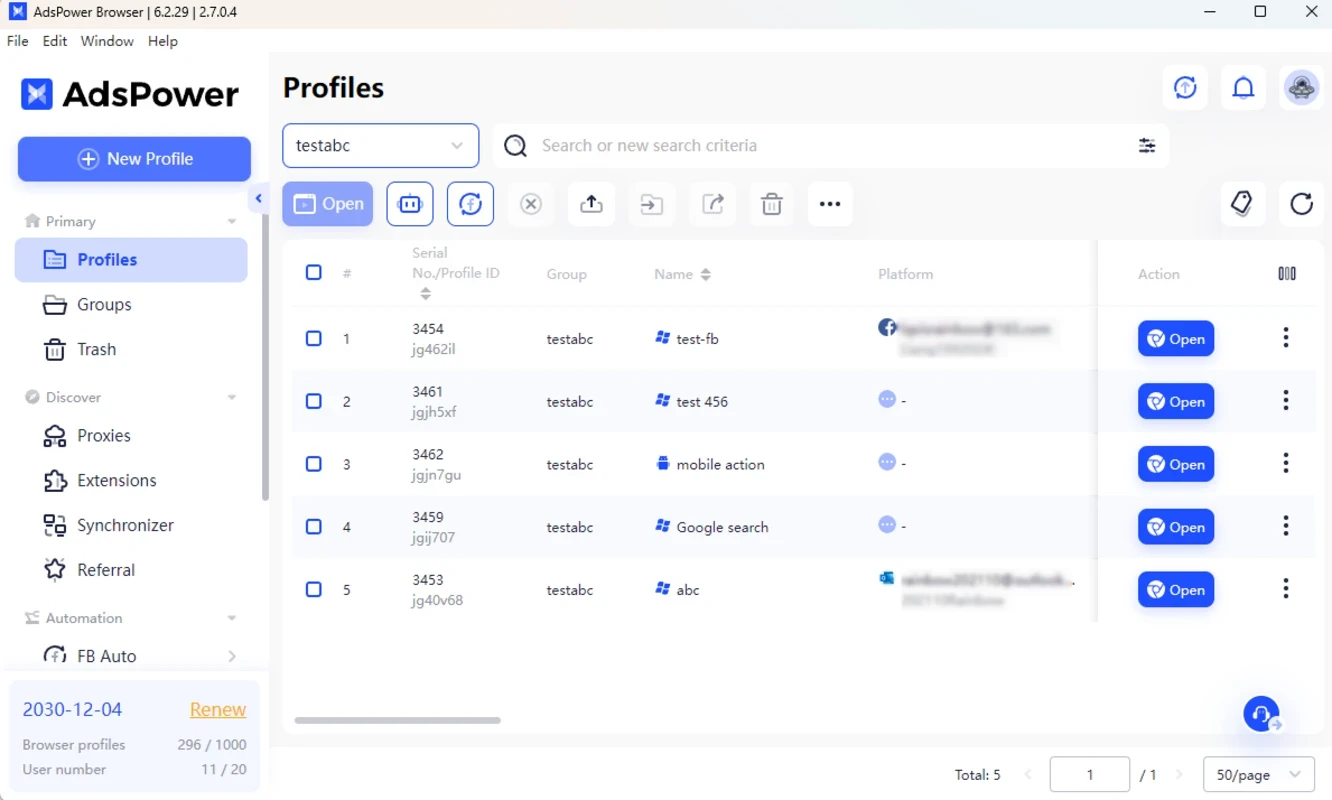
Each profile in AdsPower behaves like a separate browser on a separate computer. It keeps its own cookies, storage and settings, so logging in to an account in one profile leaves the others untouched. Profiles open in one of two engines, SunBrowser or FlowerBrowser, and you choose which one when creating the profile. A central window lists all profiles, lets you group them, share them with colleagues and launch several at once. For marketers, agencies and online sellers the appeal is organisation: instead of juggling browser windows, private tabs and different computers, everything sits in one list, and every account always opens in the same environment it was created in. The flip side is responsibility; running many accounts must still follow the rules of each platform you use.
The download is free, and the program is listed as freeware. Get it only from adspower.com: a tool that stores the logins of many accounts is exactly the kind of program you should never take from a mirror site.
AdsPower is a work tool. A regular home user with one email and one social account gains nothing from it. It makes sense for agencies running campaigns for several clients, sellers with shops on different marketplaces and teams that share access to accounts without sharing passwords in chat.
AdsPower ships updates often. The release notes list what changed in each version, including engine updates.
Opera is a free web browser for Windows from Opera Software. The stable release is 136.0.6008.22, published on 17 September 2026.

UC Browser for Windows is the desktop version of the web browser from UCWeb, a Chinese mobile internet company.

Google Translate is Google's multilingual machine translation service, used on Windows through the website and a browser extension.

Microsoft Edge is Microsoft's web browser, preinstalled on current Windows versions and available as a free download for reinstalling or updating.

Mozilla Firefox is a free and open-source web browser developed by Mozilla, available for Windows, macOS, Linux, Android and iOS.

Google Chrome is the free web browser from Google. The stable Windows release is 154.0.8037.58, out since 22 September 2026.

Cent Browser is a free Chromium-based browser for Windows from Cent Studio that adds mouse gestures, tab tweaks and other power-user options.